The old method of disabling swap no longer works.
This will still work on previous versions
sudo dphys-swapfile swapoff
sudo dphys-swapfile uninstall
sudo update-rc.d dphys-swapfile remove
sudo apt purge dphys-swapfile --yes
sudo apt autoremove --yes
As the new version uses zram
Edit the swap configuration file
sudo nano /etc/rpi/swap.confThen find the lines in the config as follows remove # and set size ot 0
One is under Files the other is under zram
[File]
FixedSizeMiB=0
[Zram]
FixedSizeMiB=0
Reboot your system.
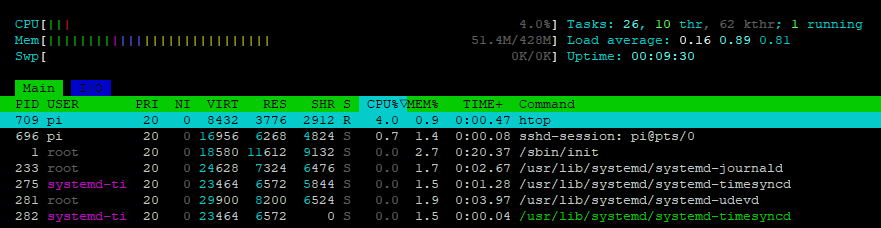
Viewing in htop we can see Swp has 0/0K size